

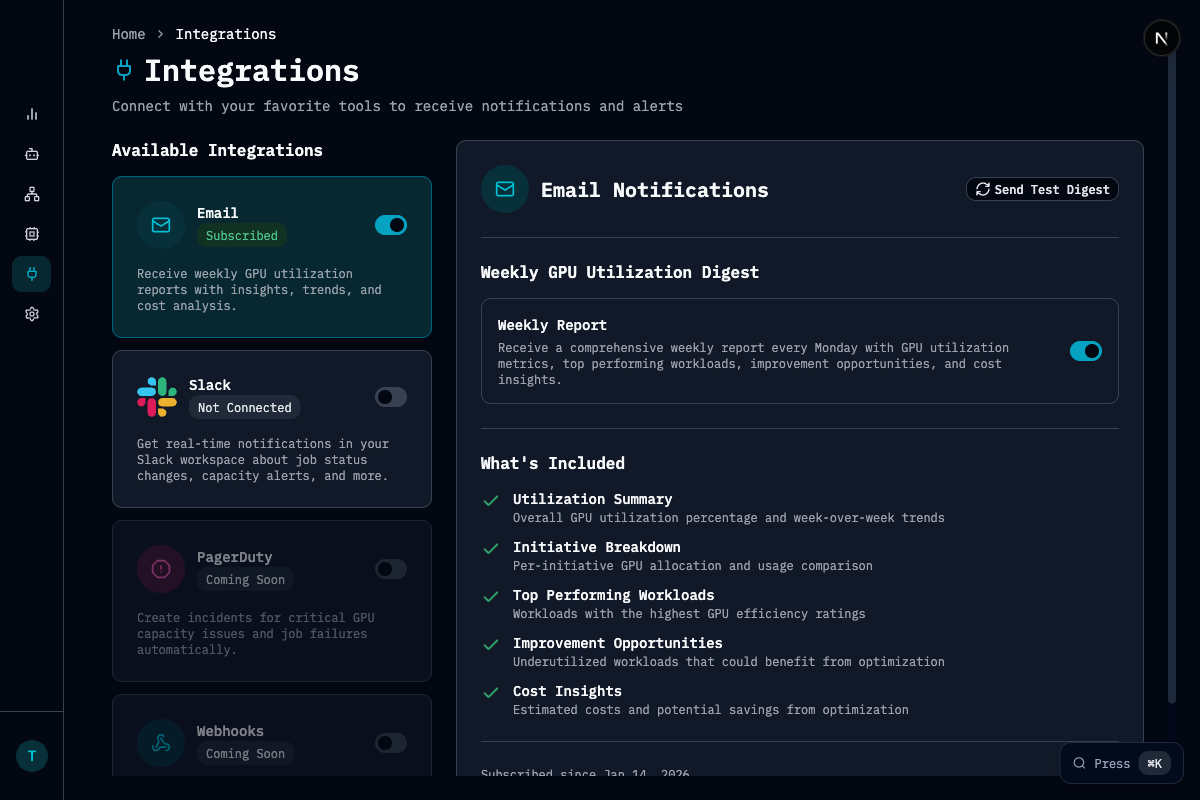
Available Integrations
Slack
Real-time workload and capacity alerts in your channels, an AI chatbot for natural-language queries, per-user notification preferences, and automated team reports on a schedule you choose.
Weekly and daily GPU utilization digests delivered to any inbox, per-user workload notifications, support for external email aliases, and AI-composed emails backed by real usage data.
What You Can Get Notified About
Between Slack and email, Chamber keeps your team informed across every stage of the GPU lifecycle:Getting Started
Head to Settings → Integrations in the Chamber dashboard to connect Slack, or Settings → Notifications to configure email preferences.Request an Integration
Need an integration we don’t support yet? Let us know!