

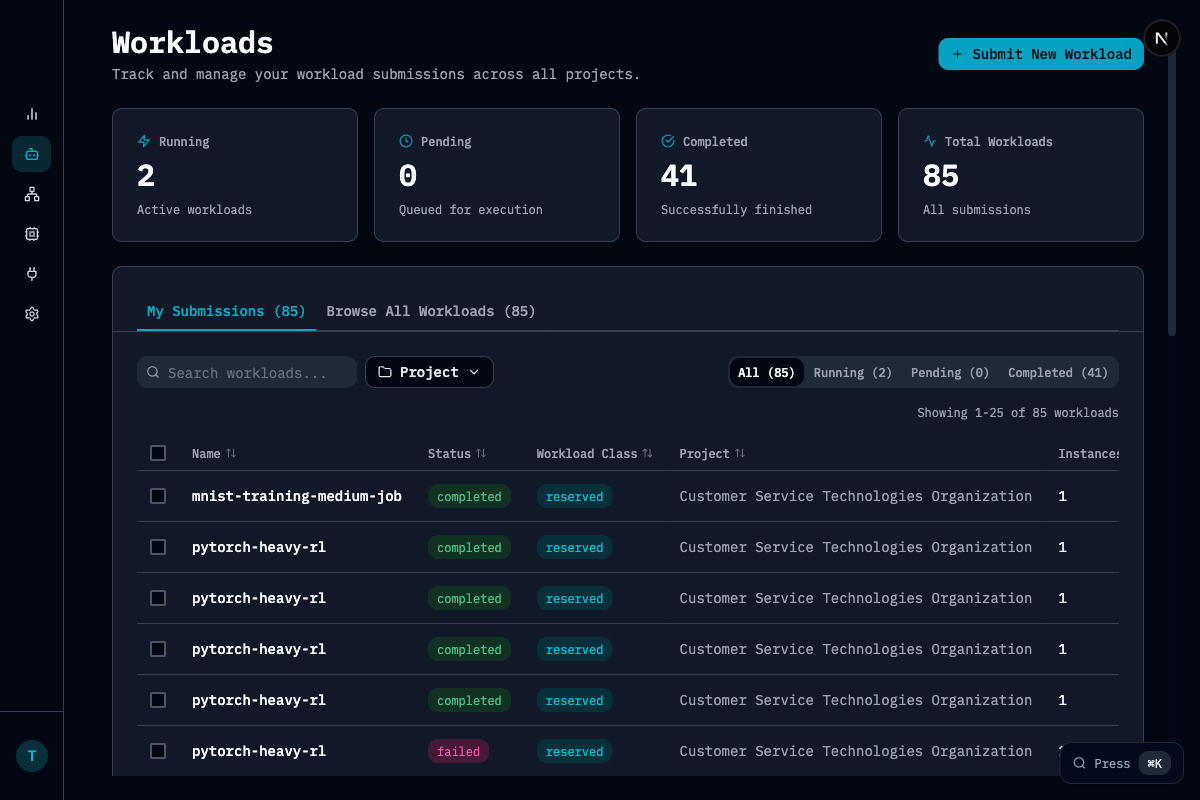
Key Metrics
Features
- Search and filter: Find workloads by name, status, project, or workload class
- My Submissions vs Browse All: Toggle between your workloads and all organization workloads
- Status tabs: Quick filter by Running, Pending, or Completed
- Workload details: Click any workload to see detailed information, events, and metrics
Workload States
Related Pages
Workload Classes
Reserved vs elastic workloads
Scheduling
How workloads are scheduled